Comparing two crawls using Google Colab and Screaming Frog
Use the power of Google Cloud for free to compare two non-consecutive crawls
Knowing Python increases your possibilities and skills as an SEO consultant. It is a versatile programming language with different use cases: from web development to data analysis and ML/Deep Learning, Python is a good fit for all kinds of projects.
Thanks to the recent traction around this language Google decided to release Colab, a Python Notebook that relies on their cloud platform. Totally free.
Without setting up any development environment on your PC.
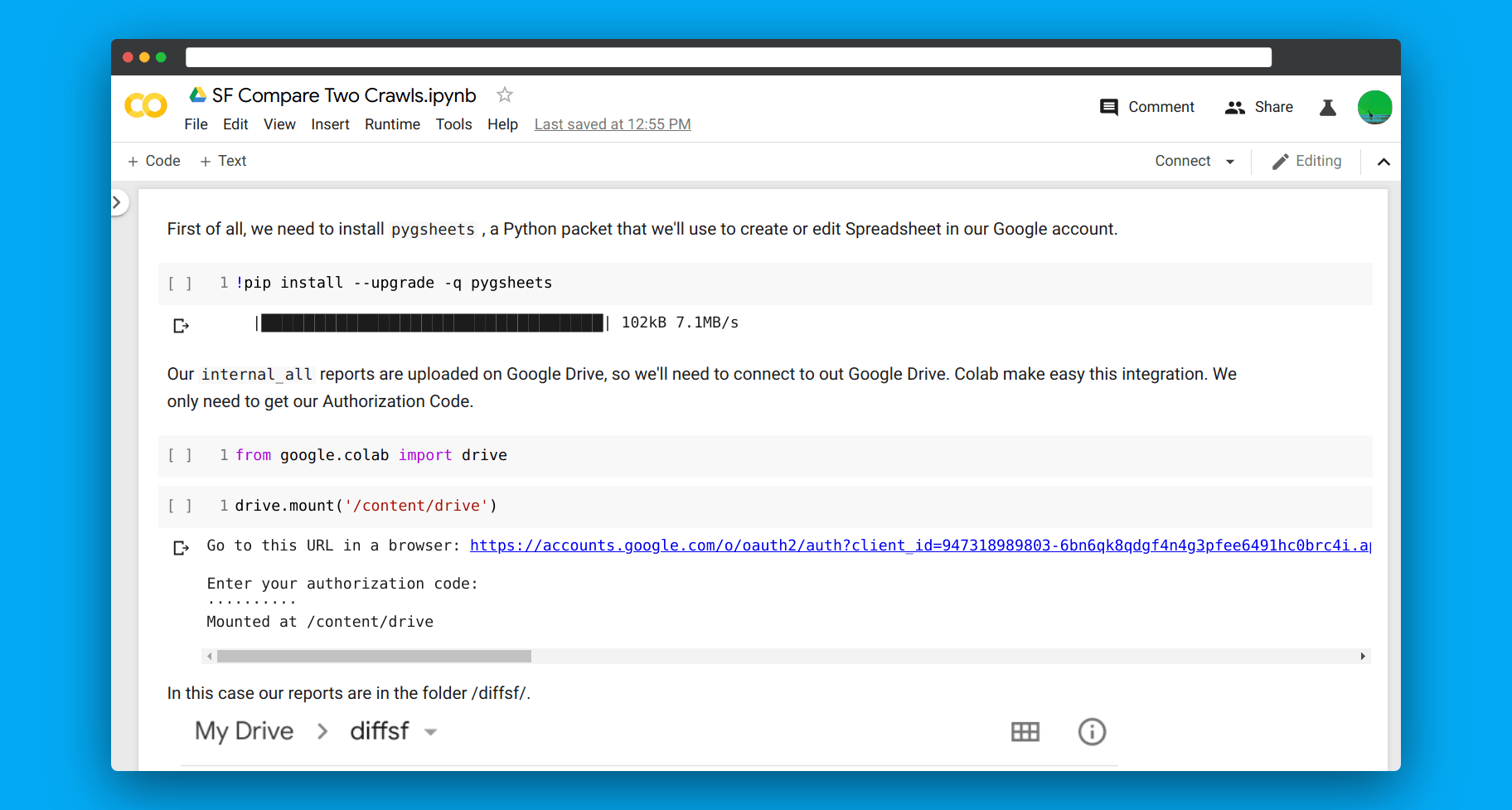
One cool thing about this project is that Colab integrates with Google Docs and Drive ecosystem, giving you a significant boost when analyzing data or testing out new things quickly.
In this article, I want to show you how I usually use it when it comes to comparing two non-consecutive crawl reports exported from Screaming Frog.
How it works
We will load two reports on a Drive folder, then we’ll access these files with Colab to manipulate them and create a new Google Spreadsheet with the difference between them.
You can find my notebook here . Create a copy and start hacking around!
What changes detect
Given two crawls we are going to check:
- Newly found pages - any URL in the new crawl that isn’t in the old crawl
- Newly lost pages - any URL in the old crawl that isn’t in the new crawl
- Indexation changes - i.e. Any URL which is now canonicalized or was noindexed
- Status code changes - i.e. Any URL which was redirected but is now code 200
- URL-level Canonical Tag changes
- URL-level Title Tag or Meta Description changes
- URL-level H1 or H2 changes
Here is also a little video I’ve recorded to show you how to use it. I’m running cells one by one, but you can also run all cells together by selecting from the Runtime menu Run All (CTRL + F9).
Use Cases
Comparing two crawls is useful when dealing with redesigns, migrations, and activity monitoring.
We use this Colab to spot inconsistencies between different versions of the same site (JS vs Non-JS, Mobile vs Desktop, Googlebot vs Normal User Agent), especially during an SEO audit.